Updated July 2026: the framework originally had six files. progress.md turned out to be a hand-maintained copy of git log, so I retired it. The post now describes the five-file version – there’s a new section on why.
The memory bank is a structured memory layer: five files at the root of the project. The agent reads them at the start of every session and updates them after significant work. Cross-session context lives in files you control, not inside the session itself.
The problem it fixes: you come back to a project on Monday, tell the agent what you’re working on and it proposes the solution you talked it out of three days ago. You re-explain. The next session opens with the same amnesia and the loop starts over.
Five files
The memory bank concept originated with the Cline team and their documentation is worth reading in full. This post is my adapted version. I’ve been using it daily for a year and made a few opinionated changes along the way – I’ll flag those as we go.
Here’s the layout:
memory-bank/
├── project-brief.md     # Foundation: scope, requirements, goals
├── product-context.md   # Why this exists, problems solved, UX goals
├── tech-context.md      # Stack, setup, constraints, dependencies
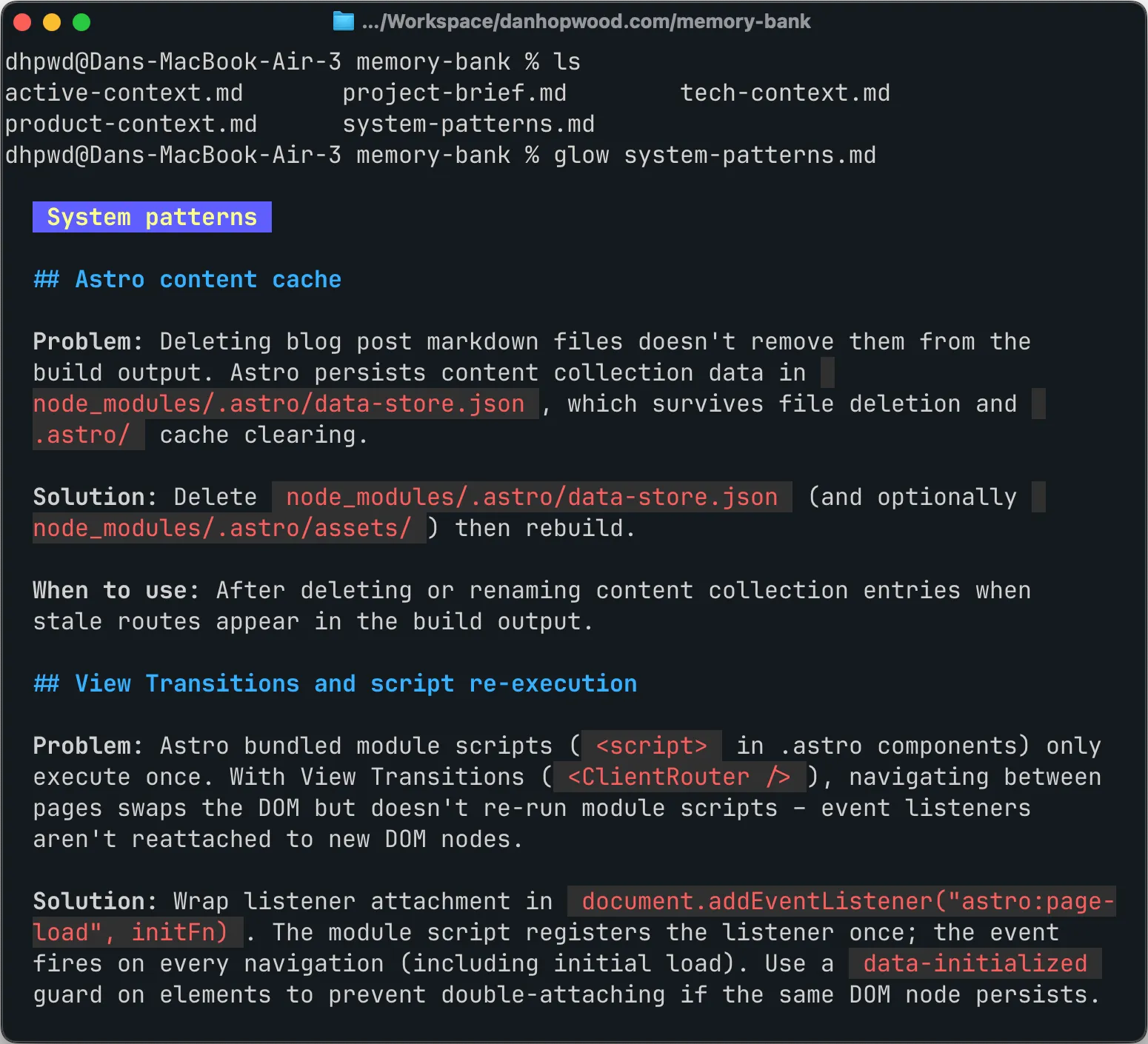
├── system-patterns.md   # Architecture, patterns, lessons learned
└── active-context.md    # Working state: focus, blockers, open decisions
Four are stable: project-brief, product-context, tech-context, system-patterns. They describe what the project is and how it’s built, and they only change on pivots, refactors or significant lessons. One is live: active-context. The agent updates it as work moves, so it always reflects what’s happening right now.
The exact content boundaries and size limits are in this gist.
There used to be a sixth file
The original layout had one more live file: progress.md – what’s done, what’s left, blockers. I retired it in June.
What sent me looking was merge conflicts. I’d started running parallel worktrees on the same repo and the live files kept colliding when branches landed close together. So I measured how often those files actually changed: in my most active repo, 18 of the last 41 commits touched the memory bank. The collisions were real. But half of those 18 commits changed nothing else – they were standalone “update memory bank” passes that re-wrote what the commit message already said. One ticket racked up five of them. That was the bigger cost.
Then I pulled the last 20 commit messages from two repos. Each one was agent-written and they were genuinely good: the why behind the change, the review findings, what was verified. I put one ticket’s progress.md entry next to its commit message – same content and the commit was the better-written version. My repos squash-merge, so each ticket lands on main as a single curated commit. So progress.md was essentially a hand-maintained copy of git log main.
One distinction had to hold before I deleted it. Git records what changed but it’s blind to what you decided not to do. “We evaluated X and rejected it” produces no commit, because nothing changed. Without a note somewhere, the agent re-proposes X every session. That ‘don’t re-litigate’ content is the most valuable thing in the whole bank, and none of it belonged in progress.md anyway. It goes in system-patterns.md, the file built for lessons.
So the file is gone and a standing rule replaced it: git is the changelog – don’t re-narrate the diff into the memory bank. active-context.md is now the single live file: current focus, blockers and open decisions, capped at 80 lines.
The wider lesson: every piece of scaffolding in a setup like this encodes an assumption about what the model can’t do on its own, and those assumptions go stale. progress.md earned its place when agent commit messages were thin. They aren’t any more.
How to initialise it
You don’t write the files yourself. The agent does.
First time on a project, attach whatever foundation you have: a lean canvas, an architecture doc, a README, the front page of the marketing site. Then:
initialise memory bank
The agent creates the memory-bank/ folder, writes all five files and comes back with questions where the input was thin. Five minutes of back-and-forth and the project has a spine.
For multi-repo workflows, don’t copy-paste the instructions into each project’s CLAUDE.md. Put them in one place and import. Mine live alongside other coding conventions in ~/cli-agents/shared/coding.md and every project’s CLAUDE.md has this as the first line:
@~/cli-agents/shared/coding.mdTo tweak the instructions, update the shared file once and every project picks it up automatically. The memory bank instructions are the part of that file I publish – they’re in the gist linked below.
The session loop
A file structure on its own does nothing. What makes the memory bank work is the loop you run around it:
- Start a fresh session
- The agent reads all five memory bank files
- Do the task
- Commit the work
- Tell the agent: update memory bank
- Commit the memory bank changes
/clear- Next task → step 1
Three rules hold the loop together:
Never compact. Compaction is a lossy summary of a single session: what you reach for when the conversation outgrows the model’s context window. The memory bank is the opposite: structured files that persist across sessions, lossless by definition. With that structure in place, you don’t need compaction at all. Turn it off.
This is where I diverge most sharply from Cline’s official guidance, which recommends auto-compaction alongside the memory bank. The two systems work against each other. Auto-compaction makes the agent feel like it can run forever. That encourages long sessions, and long sessions generate bloated context – exactly what the memory bank exists to prevent.
One goal per session. Not a single task, because you’d be exiting every five minutes. Not a day’s work, because the session would bloat. A goal is what sits in between: the work that ends at a natural pause point. Rebuilding a page of a marketing site is a good example. You make a handful of improvements until the page feels done, then you commit, update the memory bank and exit.
My sessions tend to run 250–400k tokens. That’s plenty of work, and still a long way short of Opus’s 1M limit. Most people let sessions grow until the model starts losing the thread. Stop earlier.
Update before exit. When I tell the agent to update the memory bank, it doesn’t guess what changed. It runs git diff on the code since the last commit, reads all five files, and writes updates against that diff. Then it runs git diff on the memory bank itself to verify everything was captured and nothing important was lost in the edits. The whole thing takes 30 seconds. It catches the almost-right updates before the next session trusts them as gospel.
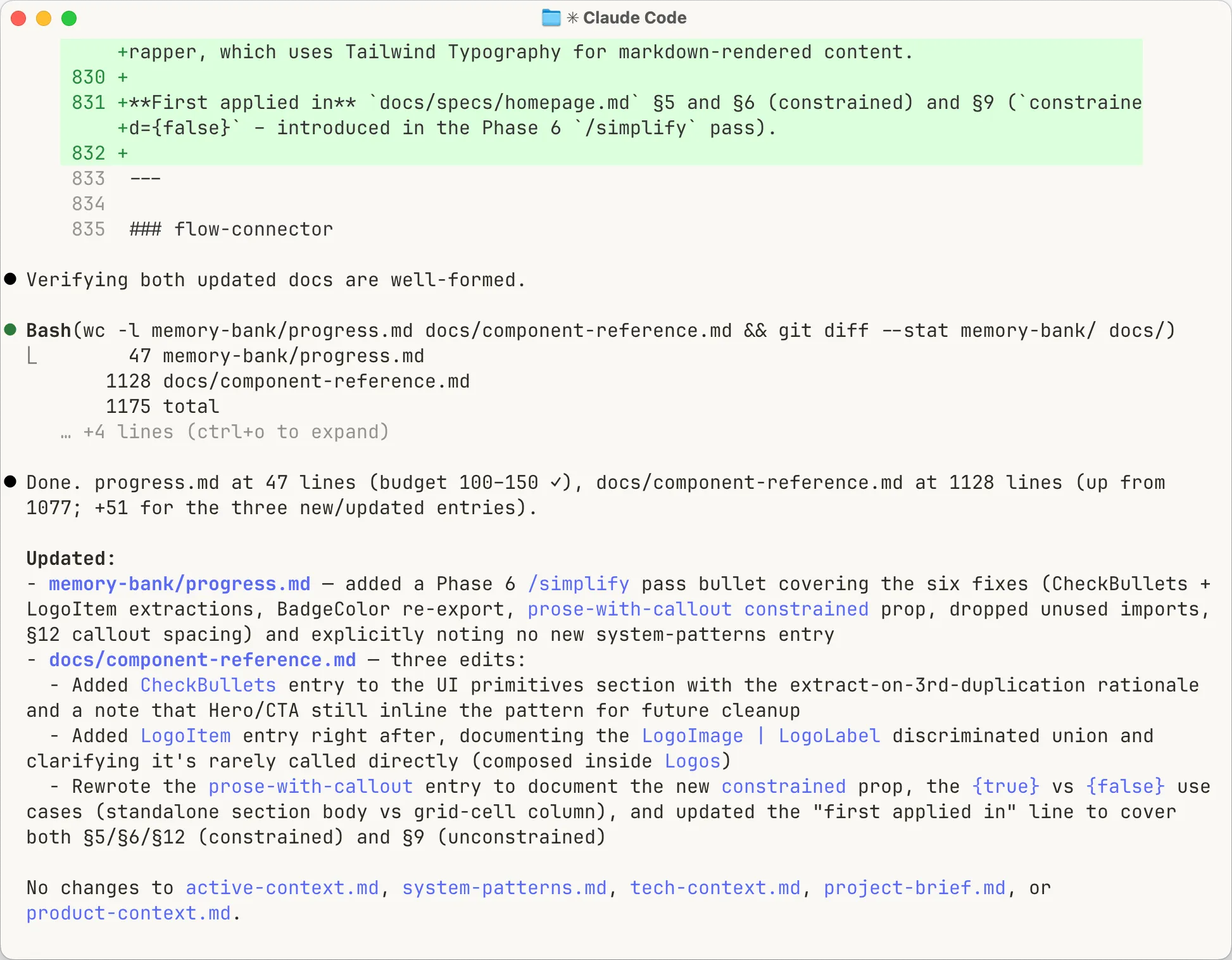
What this buys you: /compact becomes dead weight. Every session starts clean, loads the same structured context and finishes short. There’s no long-running conversation to summarise because you didn’t let one form. Claude Code comes with five layers of context management for exactly the failure modes the memory bank prevents. Once the loop is in place, most of those layers stop earning their keep.
Discipline that keeps the files current
The memory bank only works if the files stay accurate. Four rules:
- Lessons live once. When the agent learns something (a pattern, a gotcha, an architectural decision) it goes in system-patterns.md with full context. If current work needs it to hand, active-context.md gets a one-line pointer. Two copies of anything will drift apart
- Done means gone. The moment work is implemented and verified, it leaves active-context.md – in the same session, not parked ‘pending merge’. The commit is the record. active-context stays tight: 2–3 items, 80 lines max. It’s about right now, not last week
- Size limits as staleness control. When a file grows past its limit, audit it. The test I use: “if an agent searched for X, would this help or overwhelm?” One-off ‘patterns’ that got documented as reusable get cut. So does anything the codebase no longer has
- Agent-written, human-reviewed. The agent does the writing, but whether a lesson is actually true about your project is yours to judge. Don’t outsource that. Read every update before it lands
Full content boundaries, size thresholds and audit triggers are in the gist. Copy it, import it, adapt it.
Why it stuck
Install it because you’re sick of re-explaining your project.
Keep it because it stops your codebase drifting.
Why ‘drifting’ matters more than ‘forgetting’ is a longer argument – I wrote it up separately: Forgetting isn’t the problem.